Bypassing a Pure block is not the same as creating a new account. That distinction matters more than anything else in this process. If you treat it as a simple account reset, you will get banned again — often within minutes.
Understanding what you are actually bypassing
When Pure bans you, it records multiple identifiers in its ban database:
- Device fingerprint — a composite of hardware identifiers, OS build data, and sensor readings
- Account credentials — email, phone number, linked social accounts
- Behavioral profile — interaction patterns built from your session history
- Network signature — IP ranges and connection characteristics
Successful bypass means addressing all relevant layers — not just one.
The most common mistake that leads to repeat bans
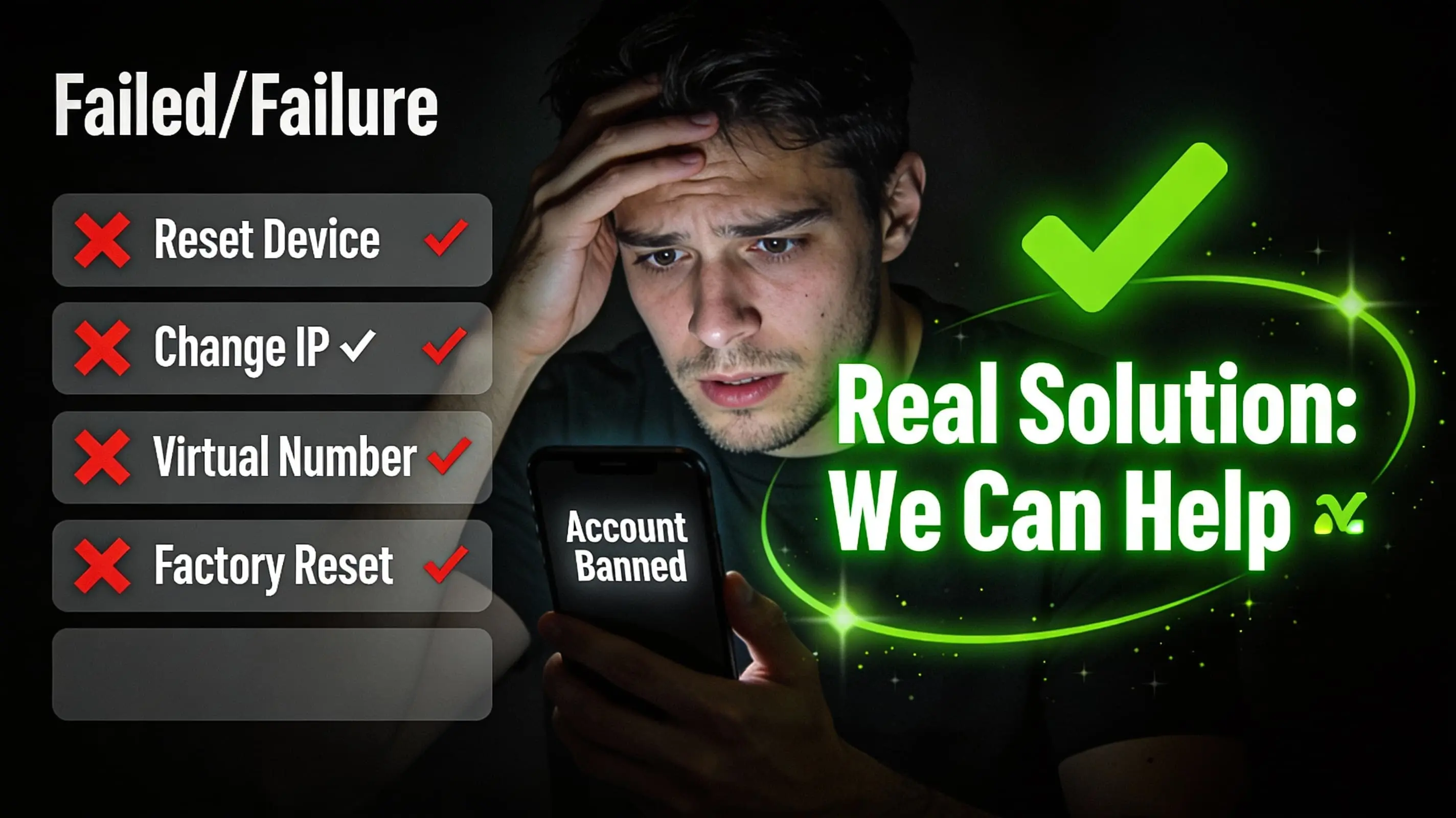
Creating a new account with a new email on the same device. This replaces the account credential layer while leaving the device fingerprint, behavioral profile, and network signature identical. Pure's system matches the new account to the existing ban record within seconds.
According to the Android Developer documentation on device identifiers, apps can access multiple hardware-level identifiers that are not cleared by reinstalling an app or even performing a factory reset in certain configurations.
What the safe bypass process looks like
A safe return to Pure after a ban involves a specific sequence of steps that neutralizes the active ban identifiers without triggering new flags. The sequence depends on your ban type — which is why the first step is always identifying exactly what category of ban you have.
"Getting back to Pure is not complicated once you understand the ban type. The dangerous part is doing it in the wrong order — some steps, if done before others, make the situation significantly harder to resolve," explains Alex, an unban specialist with 4 years of experience.
How long does it take?
Based on OnlyLike data (3,000+ cases in 2025), the median successful recovery takes 1-3 days. Complex cases involving permanent device-level bans or multiple failed re-registration attempts typically take 3-7 days.
Read also: permanent ban in Pure — what it means and why VPN does not help.
Contact us — we will walk you through the safe bypass process step by step.